A pace that fits your life
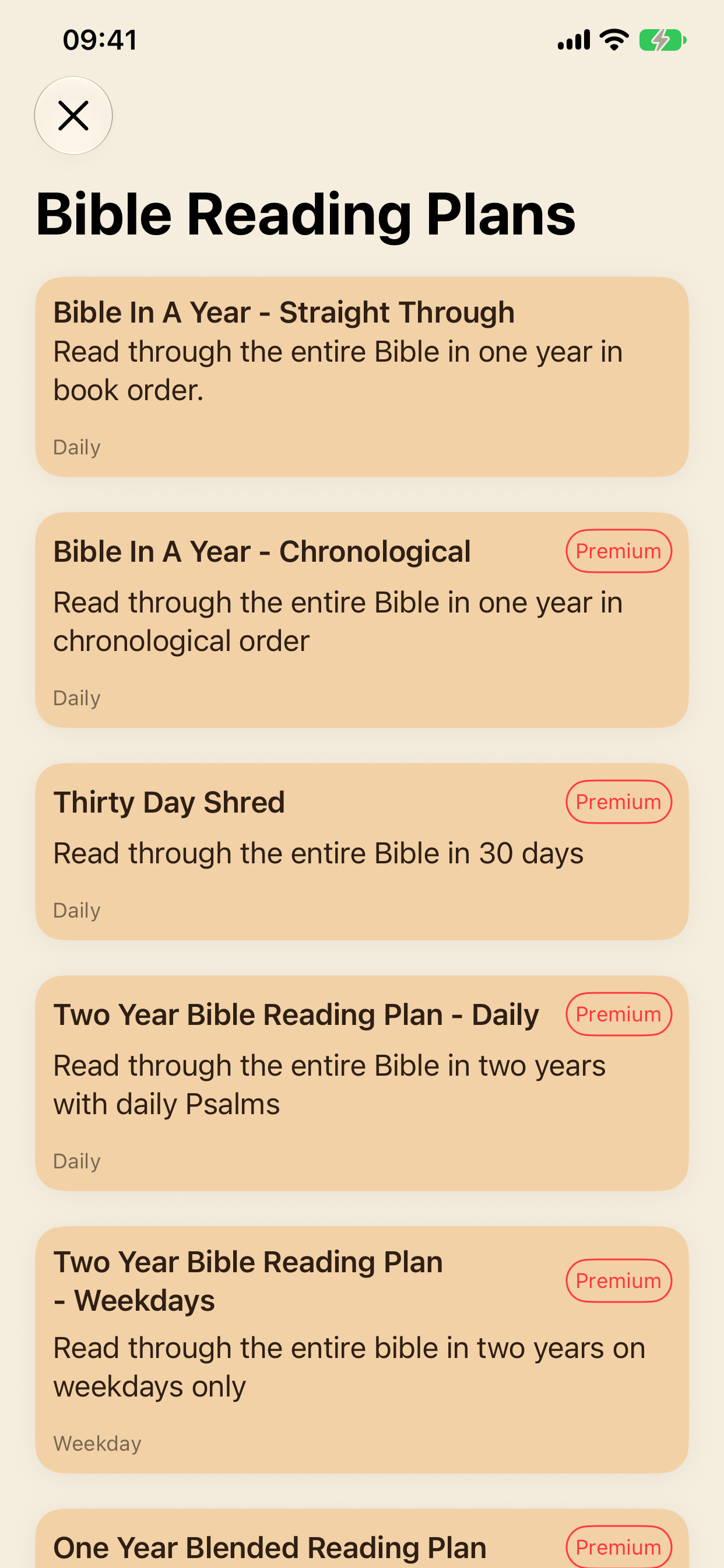
Explore plans from an intensive 30-day journey to a two-year schedule, including a weekday-only option. Some plans require Premium.
LampLit gives your Bible reading a daily rhythm. Choose a plan, see what to read today, and watch your progress grow.
For iPhone, iPad, and Apple Watch · Sync with iCloud
Free to download. Optional LampLit Premium subscription.
See the app for current plans and subscription pricing.
Bring your Bible. LampLit keeps your reading plan and progress in one place.
Read straight through the Bible, follow a chronological plan, or explore a shorter or slower journey. Pick your start date and begin when you are ready.
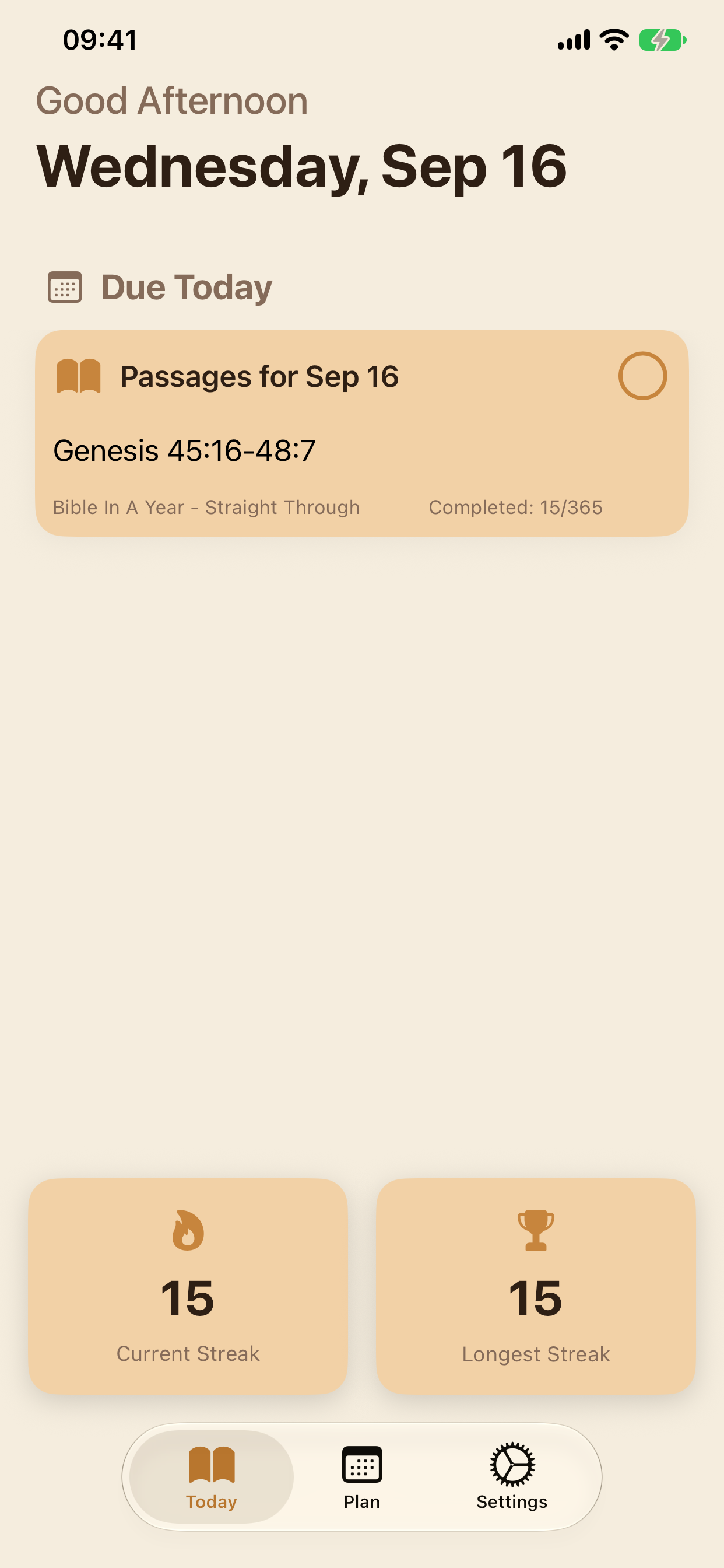
Open Today to see your assigned passages. Read in your own Bible, then mark the day's reading complete with a tap.
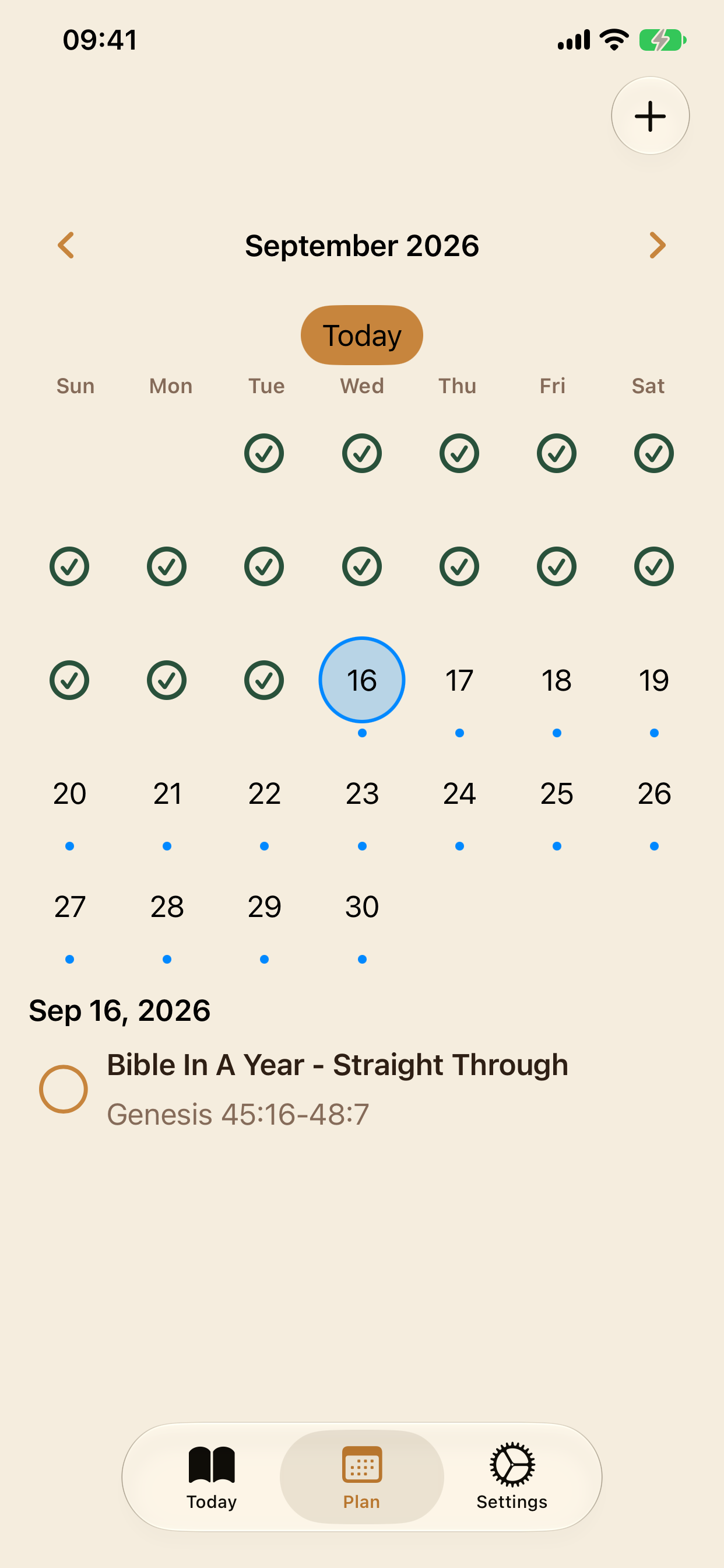
Use the calendar to review completed days and see upcoming readings. Your plan gives you a place to return to each day.
Plan your reading on iPhone or iPad, and check your daily assignments on Apple Watch. Enable iCloud to sync your reading progress.
Simple tools to help you keep coming back to Scripture.
Explore plans from an intensive 30-day journey to a two-year schedule, including a weekday-only option. Some plans require Premium.
Follow multiple reading plans at once, with each plan's schedule and progress tracked separately.
See your current and longest reading streaks alongside completed readings. Small daily steps add up.
iCloud keeps your reading plans and completion history in sync across your devices using the same Apple Account.
See today's and overdue reading assignments on Apple Watch and mark readings complete from your wrist.
Reading plans support English, Spanish, German, French, Korean, European Portuguese, Simplified Chinese, Swahili, and Filipino.
A few things to know about reading with LampLit.
LampLit is free to download and includes a free reading plan. An optional LampLit Premium subscription unlocks additional plans. Check the app for the current selection and pricing.
LampLit organizes passage references and tracks your reading. Read the passages in your preferred printed Bible or Bible app, then return to LampLit to mark them complete.
No. Choose a start date when you begin a plan, and LampLit builds the reading schedule from that date.
Yes. Add another plan from Settings to follow multiple plans at the same time. Each plan keeps its own schedule and completion history.
Yes. The two-year weekday plan schedules readings Monday through Friday. It is one of the additional plans available with Premium.
LampLit uses iCloud to sync reading plans and progress. Use the same Apple Account on your devices and enable iCloud for LampLit. Syncing requires an internet connection.
Email info@renewalsoftware.com for support, or use the feedback options in the app's Settings.
Choose a plan and take the next step in your time with Scripture.
Free to download. Optional LampLit Premium subscription.
See the app for current plans and subscription pricing.
Download on the App Store